Juggling
A live touch count, the rhythm between touches, and your personal best. A trail follows the ball and marks the top of each arc.
Soccer training
Set your iPhone down and train. FOBO follows the ball, counts your touches, and talks you through the session. No account. Everything stays on your phone.
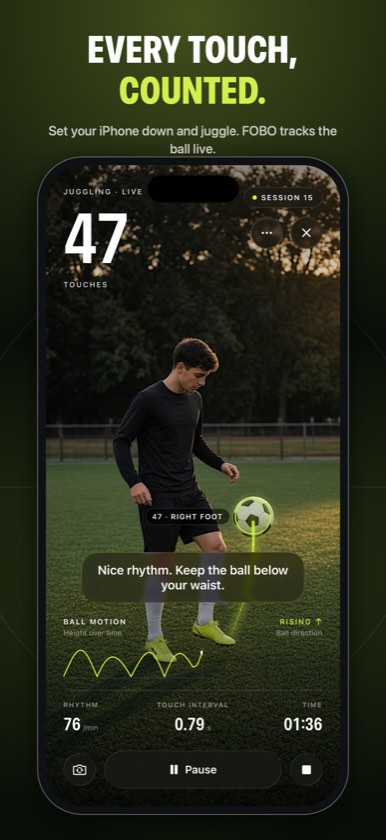
Prop the phone up, press start, and keep the ball in view. Counts are camera estimates. Steady light and a steady phone give the best result.
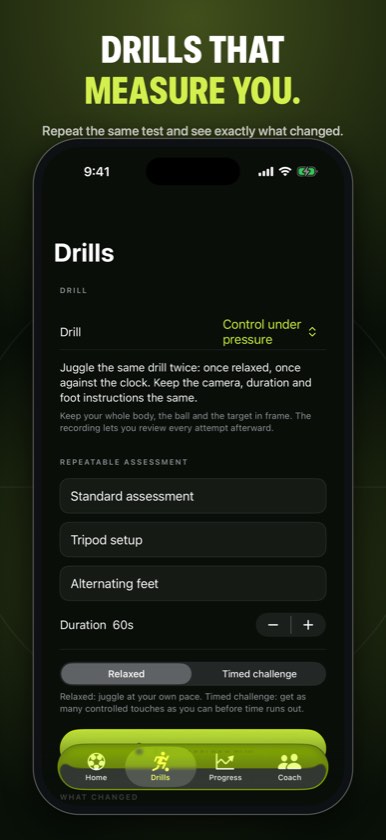
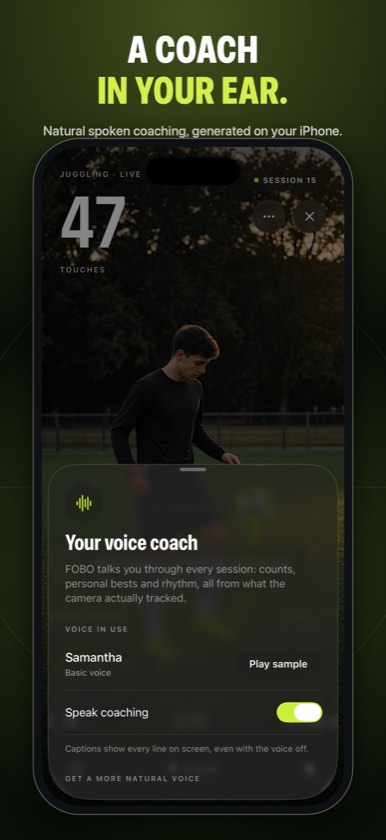
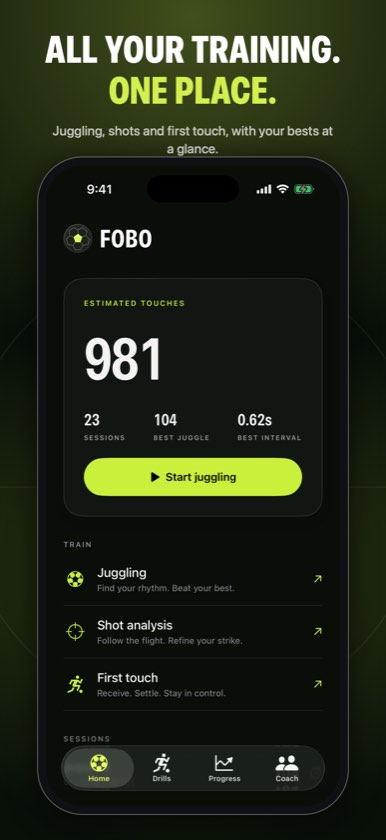
A live touch count, the rhythm between touches, and your personal best. A trail follows the ball and marks the top of each arc.
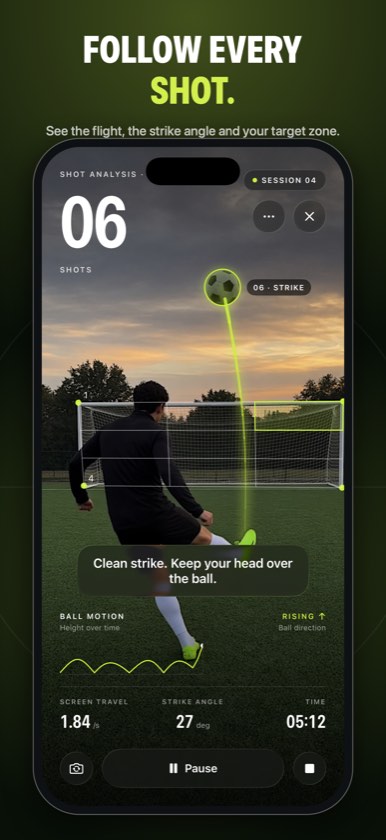
Mark the goal once, pick a target zone, and follow the flight of every strike into that zone.
Receive, settle, and stay in control. FOBO marks each reception and how far the ball moved after it.
Milestones, rhythm, and a summary at the end. Every line comes from that session. Captions stay on screen with the voice off.
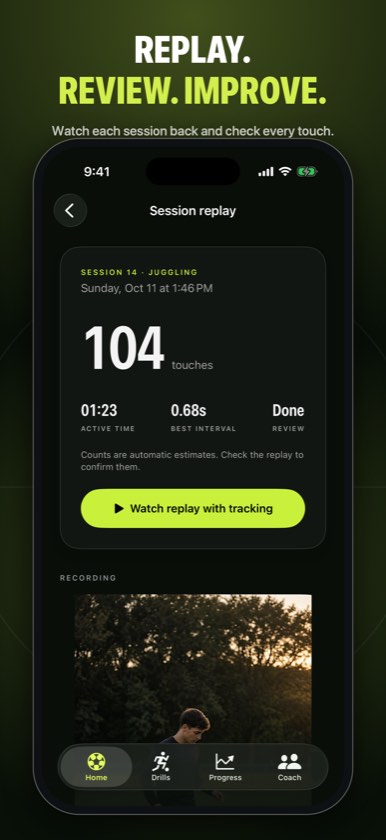
Watch the session back in slow motion, correct a touch the camera got wrong, and export a highlight when you want to share one.
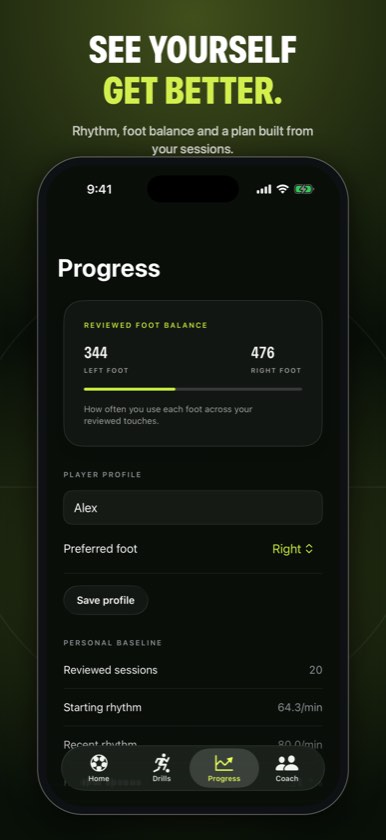
Left and right foot balance from the touches you review, plus drills aimed at the side you use less.
Private by design
There is no FOBO account. Recordings, analysis, and the player name live in the app until you delete them in Settings or choose to share a highlight.